




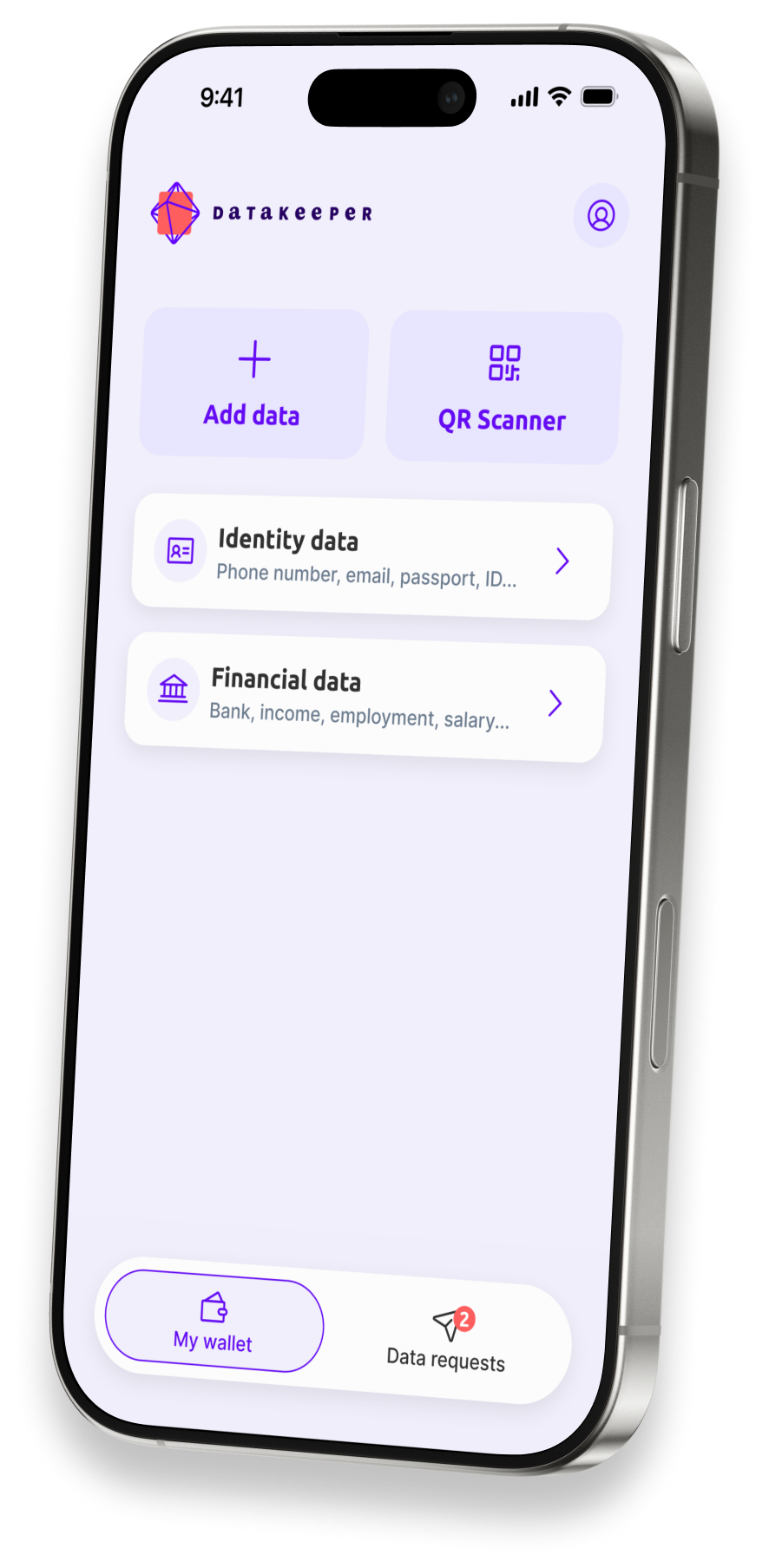
Sign at the level your contract requires
Electronic signing
Your customer signs documents securely and GDPR-compliantly in the Datakeeper wallet. Because identity and signature are cryptographically bound to the exact document, you know who signed what, and that nothing was changed afterwards.








Choose the right level for each document.
From a light check against the source to a document scan with a selfie scan: you decide how much certainty you need, without burdening your customer unnecessarily.

Identity and signature in one app.
Your customer identifies and signs in the same flow, without a separate identification process or signing tool.

Combine with the other Datakeeper solutions.
If your customer has already identified or shared data earlier in the customer journey, signing takes almost no extra steps.




The challenges of signing
In practice, signing often still works like this: a contract is printed, signed, scanned and emailed back. Or it is "signed" by typing a name somewhere and ticking a box. If there is a dispute, it is hard to prove who actually signed. This way of signing brings a number of risks:
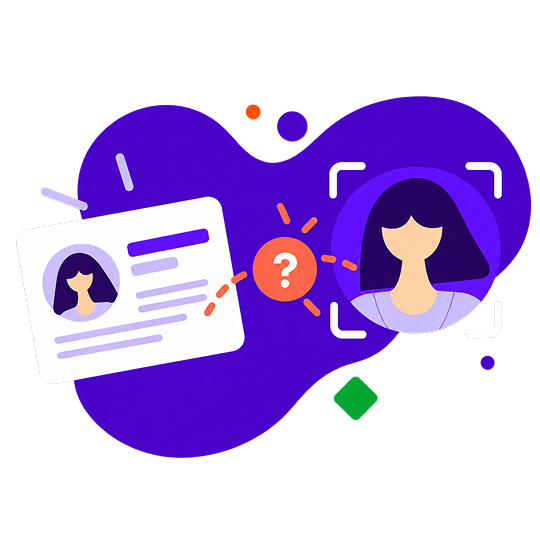
Uncertainty about who signs
A typed name or a scanned scribble says little about the real identity of the signer.




Which level do you need?
A signature is only as reliable as the certainty about the signer's identity. That is why signing uses the same three levels as identification with Datakeeper. You choose them per document, depending on what is at stake and the risk involved.
Basic
BRP check
- Customer logs in with DigiD and retrieves personal data from the BRP
- Personal data comes from an official source
 In line with eIDAS SES
Standard
BRP check + identity document
- Customer logs in with DigiD and retrieves personal data from the BRP
- Customer adds an identity document (OCR + NFC scan)
- Can be used to cross-check two independent sources.
- In line with eIDAS SES
Strong
Identity document + liveness check
- Customer adds an identity document
- Customer does a short selfie scan
- The data from the identity document demonstrably belongs to the person completing the check at that moment.
- In line with eIDAS AES*
*Reviewed by law firm Kennedy van der Laan.
In the wallet or on your own signing platform?
Without an extra platform, Datakeeper handles both the identity check and the signature, in the same app your customer also uses to identify and share data.
Already using a signing platform, or does your signing process involve multiple signers and reviewers? Then choose Datakeeper as the identity provider on a platform such as Signhost (Entrust): Datakeeper provides the verified identity, and the platform places the signature and handles the workflow. You keep your familiar environment, with certainty that the right person is signing.
How it works
How your customer signs a contract in the app
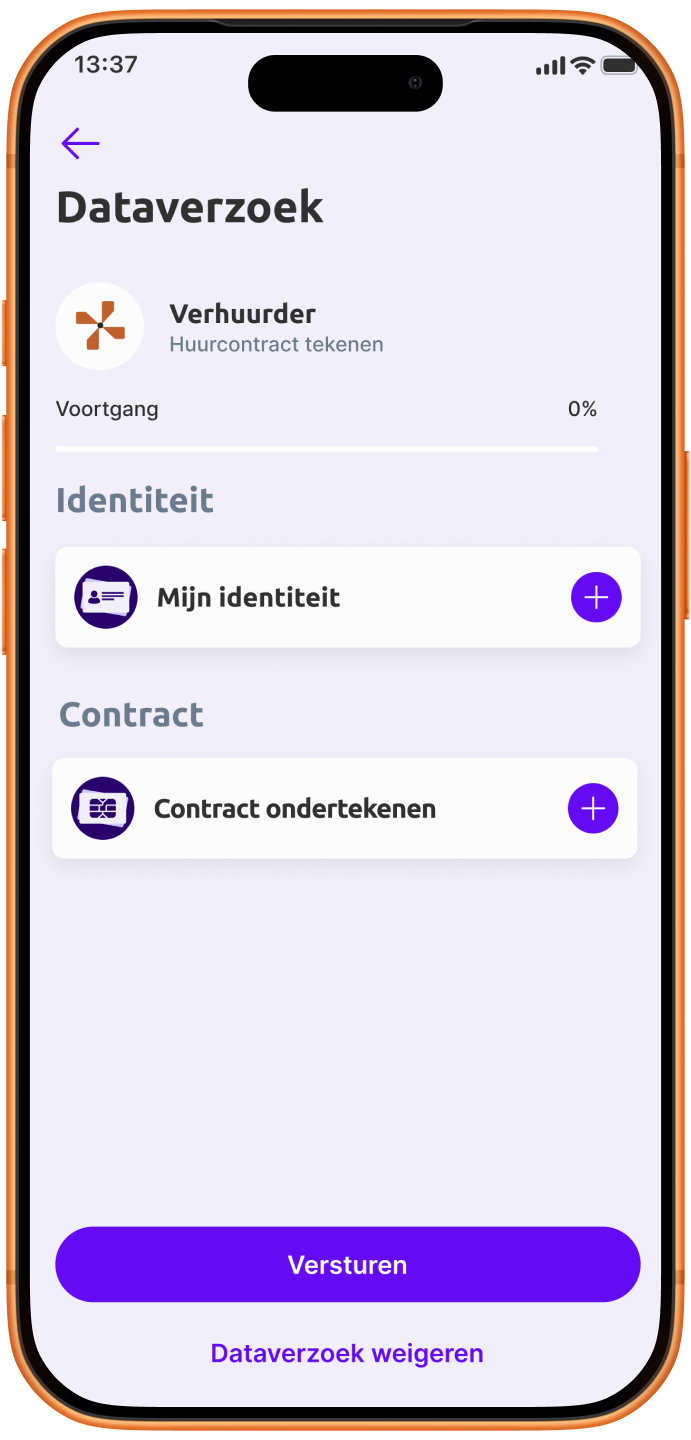
Example customer journey: signing a rental agreement
A property manager has screened a prospective tenant: income and identity document were retrieved through Datakeeper, directly from the source. The screening is approved, so the rental agreement can be signed.
The property manager prepares a signing request at Standard level and includes the link in the approval email. The tenant opens the request in the Datakeeper app they already installed for the screening, and does not need to identify again.
They read the contract in the app and sign with their PIN. What used to take a printer, a scanner and two days of emails now results in a signed file within minutes, including confirmation of exactly who signed.
Why organisations choose Datakeeper

Control over risk and conversion.
You choose the right level for each document: a light flow where speed matters, strong verification where the stakes are high. So you don't lose customers to unnecessary hurdles.

Identify once, and you're done.
If your customer has already identified earlier in the customer journey, that verification is reused and signing takes almost no extra steps.

Conclusive evidence instead of a PDF.
A PDF can be edited; a cryptographically signed document cannot. Every action (creating, opening, verifying, signing) is timestamped and can be verified by a third party using standard cryptographic methods.

Share only what's needed.
Your customer shares only the data required, and no unnecessary copies of personal data are left behind in your systems.

Combine with all other Datakeeper solutions.
Identification, source data retrieval, signing, access and passwordless login are in the same app and the same flow, so you don't need to integrate and manage separate solutions.
Frequently asked questions
See the full overview of frequently asked questions.
Ready to make signing safer and simpler?
Book a demo to see how Datakeeper sets up signing for your customer journeys, in your existing systems.
All solutions
Combine solutions for a fully digital customer journey.


