




Solutions for every situation
Identification
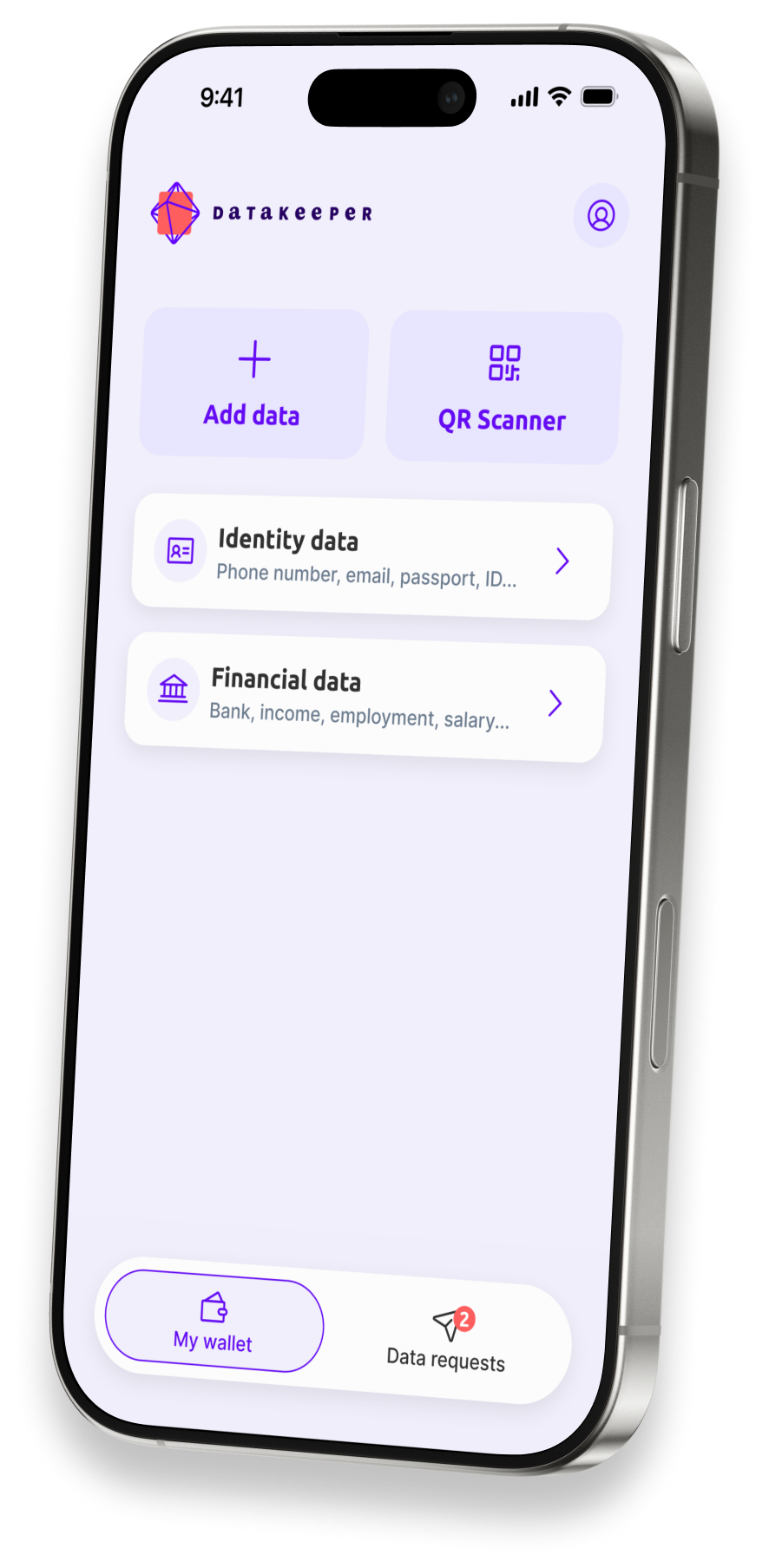
With Datakeeper you establish your customer's identity with data straight from the official source. You decide per customer journey how much certainty you need. Your customer completes the check in the app and you receive the verified data.








Identification, source data and signing in one flow.
The established identity is immediately usable for the rest of the customer journey, with no separate tools or loose steps.

From a light check to full certainty.
You choose per customer journey and per document type how much certainty you need, and you can combine checks.

Identify once, reuse every time.
The established identity stays in your customer's wallet, ready for every next customer journey.




The challenges of online identification
Many organisations still ask their customer to email or upload a copy of their passport, ID card or driving licence. Then the manual checks follow: is the data correct, has the document not been edited, does it actually belong to the person presenting it? This way of identifying comes with a number of risks:
Fraud risk.
An emailed copy or PDF can be edited, so you have no guarantee that the document is genuine.




How much certainty do you need
Not every customer journey requires the same certainty about someone's identity. That is why Datakeeper works with three levels, which you choose per customer journey and per document type. You use the same three levels for electronic signing, so identification and signature match up.
Basic
BRP check
- Customer logs in with DigiD and retrieves personal data from the BRP*
- Personal data comes from an official source
Standard
BRP check + ID document
- Customer logs in with DigiD and retrieves personal data from the BRP
- Customer adds an ID document (OCR+NFC scan)
- Can be used for a cross-check between two independent sources.
Strong
ID document + liveness check
- Customer adds an ID document
- Customer does a short selfie scan
- The data on the ID document demonstrably belongs to the person going through the check at that moment.
*Customers who do not have a DigiD can add their ID document instead.
How it works
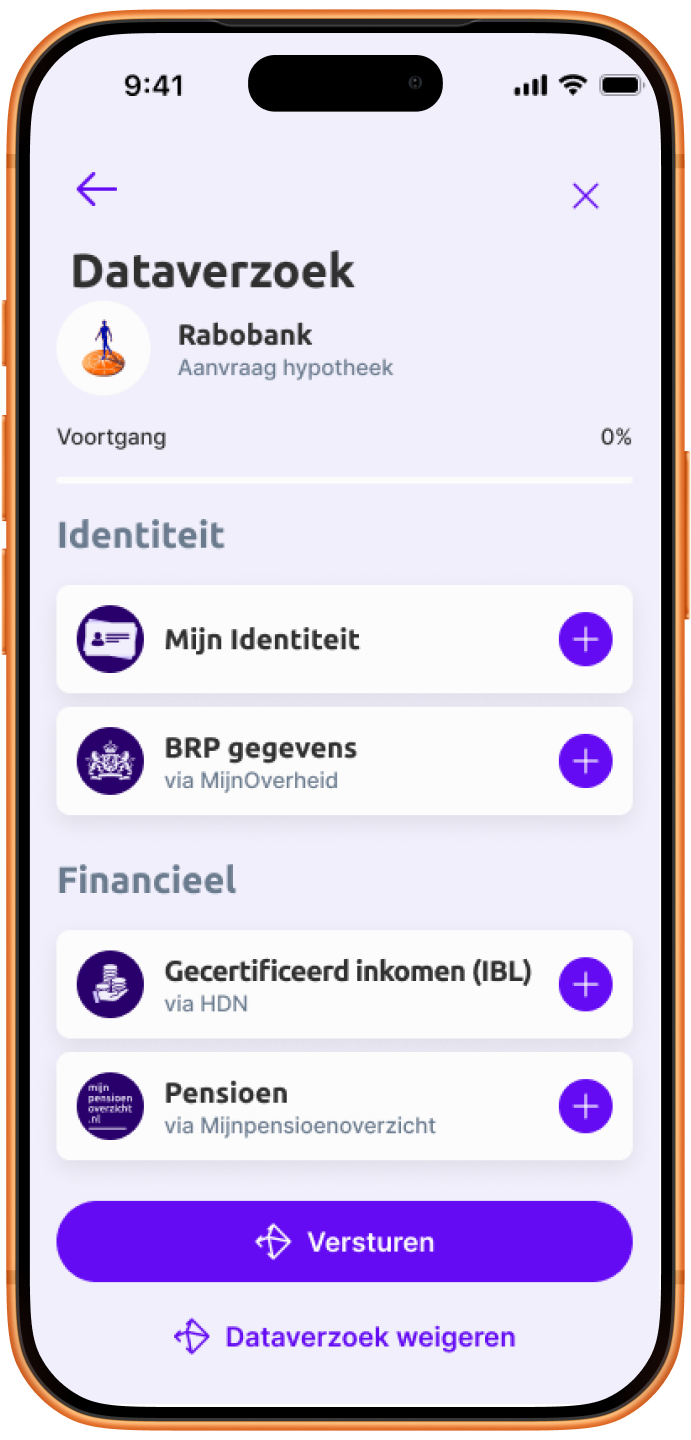
How your customer identifies in the Datakeeper app
Ways of identifying
BRP check
With the BRP check, your customer logs in with DigiD and Datakeeper retrieves the requested data (such as name, date of birth and address) straight from the Personal Records Database (BRP).
Example customer journey: buying a new-build home
Say someone is buying a new-build home. Before the purchase is final, it must be clear who the buyer is, whether their income is sufficient, and whether the purchase contract is legally signed. In the old process this happens with emailed copies and loose documents, and that is exactly where mistakes creep in: a wrongly copied name, an outdated income statement. Every mistake means requesting again, and that costs days in a process where timing matters.
With Datakeeper, the buyer goes through everything in one flow in the app: they identify at the strong level, retrieve their income data straight from the source and sign the contract with an identity that has already been established. The result is one complete, verified file with the right person, correct data and a signed contract.
Why organisations choose Datakeeper

Exactly as much certainty as you need.
You scale up or down per customer journey and document type: Basic where that is enough, Strong where more certainty is needed.

No more passport copies.
PDFs can be edited, source data cannot. So there is no need to store them or check them for authenticity.

Less data, less risk.
You only request what you need, sometimes no more than an 18+ confirmation. What you do not receive, you do not have to protect.

Less work for your team.
No manual checking of PDFs, no back-and-forth emails about missing documents. Your employees spend their time on your customers, instead of on administration.
Frequently asked questions
View the full overview of frequently asked questions.
Ready to make identification safer and simpler?
Schedule a demo to see how Datakeeper sets up identification for your customer journeys, in your existing systems.
All solutions
Combine solutions for a fully digital customer journey.
