





The most complete wallet in the Netherlands
The safest way to store and share your personal data.
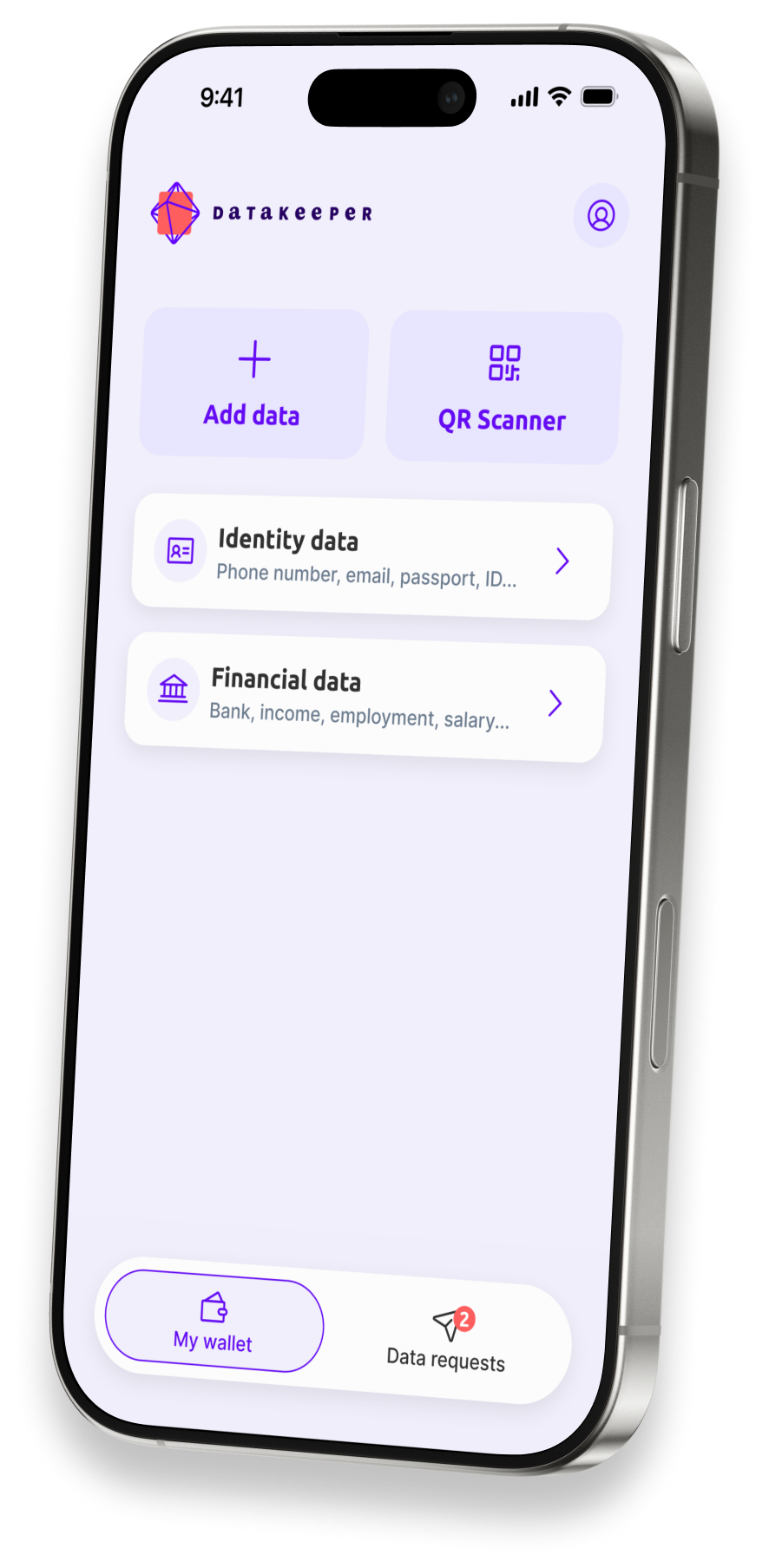
With the Datakeeper Identity Wallet you can securely log in, identify yourself, retrieve and share source data, store personal data, and sign contracts



How does Datakeeper work?
Everything you need to store and share your data securely
Benefits of Datakeeper

Retrieve once, use multiple times
Already retrieved your income for your rental? Reuse the data for renting a car

Secure storage
Data is stored on your phone, not in the cloud

Convenience
We automatically retrieve the right data for you. No more searching, downloading, printing or emailing.

Data minimization
Share only the data that is needed. Copies of full documents contain information a company doesn't need at all.
Privacy and Security
Datakeeper originated from Rabobank and uses bank-grade security. Your data is stored in the secured element of your phone, not in the cloud. So there is no central database that can be hacked. Datakeeper is fully anonymous — you don't need to create an account to use the app. You open the app with an access code or biometric verification. Datakeeper cannot access your data.

GDPR
COMPLIANTYou decide what you share and with whom. An organization only sees the data required for your request, and only after you've pressed share yourself.

ISO27001
CERTIFIEDISO 27001 is the international standard for information security. An independent party regularly audits whether our processes, systems, and employees comply with this standard.

SOC 2
COMPLIANTSOC 2 is an internationally recognized standard for securely handling data. We expect completion in early 2027.




Client case
Read how Mercurius uses Datakeeper to onboard new clients who want to open an investment account.
Customer story: Mercurius Vermogensbeheer
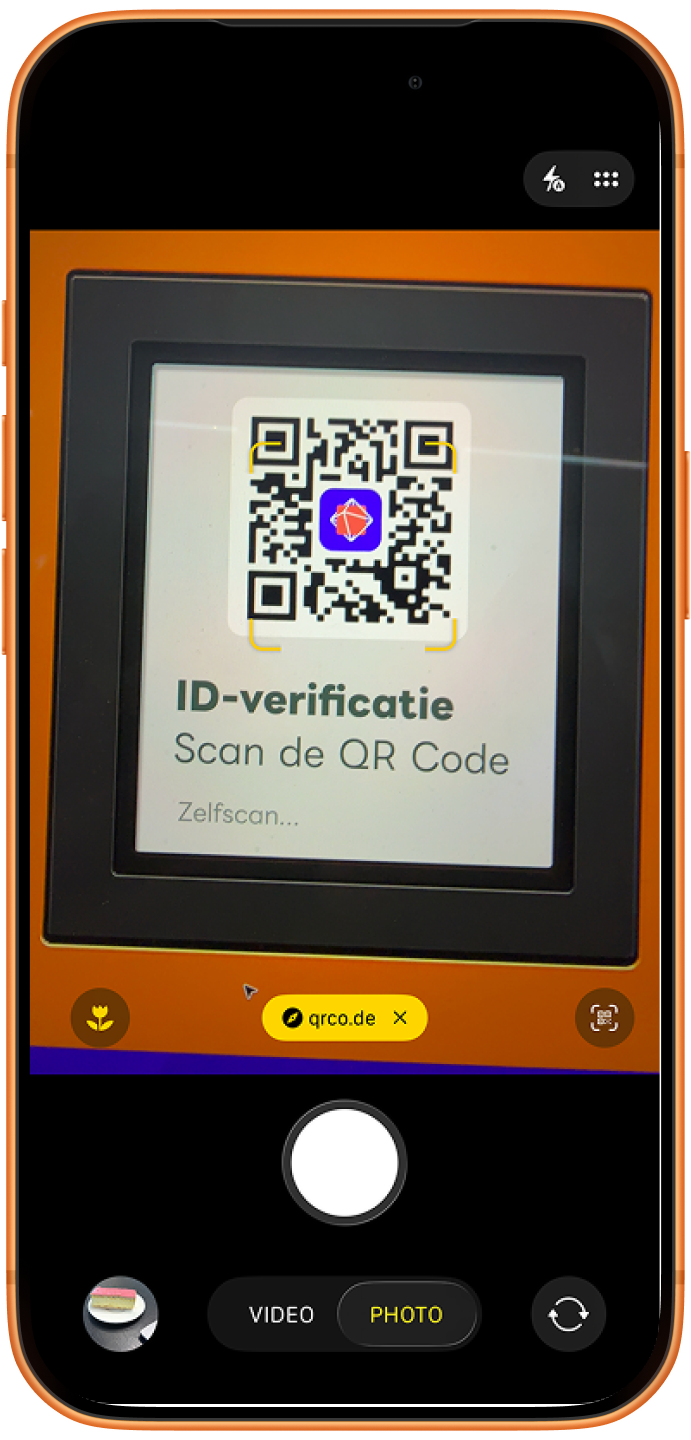
At Pensioenpotje.nl by Mercurius Vermogensbeheer, you open an investment account to save extra for your pension, entirely through the Datakeeper app. You verify your identity, complete a brief liveness check, and retrieve your data from sources including UWV, MijnOverheid, Mijnpensioenoverzicht, and the Belastingdienst. Pensioenpotje uses this to calculate your financial situation at retirement. You sign the agreement in the same app.

Frequently asked questions
When an organization needs some of that data — for example when renting a home, taking out a mortgage, or opening an account — you share it directly from the app. No more scanning paper documents, no more looking up and emailing PDFs.
For you this means: your data is in a safe place and you decide what you share and with whom.
- Prove your identity. For example when renting a home or opening a bank account, without having to send a copy of your passport.
- Share data with an organization. Income, address, a diploma: you retrieve it from the official source (such as UWV or the Tax Authority) and share it directly with the organization requesting it.
- Sign documents. You sign contracts and forms directly in the app, with the same legal validity as a physical signature.
- Log in without a password. At organizations that support this, you log in via the Datakeeper app. No more usernames and passwords to remember.
- Access buildings or spaces. For example at work: the wallet functions as a digital access pass, instead of a physical pass or key.
This has an important consequence: there is no central database of millions of people's personal data that can be hacked, because that database simply doesn't exist. Your data is with you, and only you decide when and with whom you share something.
Datakeeper itself also doesn't see the contents of your data. When you retrieve something (for example your income via mijnUWV), it goes directly from the source to your wallet, without a stop at our end.
- Secure storage. Your data is stored in the secured enclave of your phone (the secure chip), the same place where your bank card details are kept for contactless payments.
- Verified data. What's in your wallet comes directly from the official source (such as UWV, the Tax Authority, or your bank). Datakeeper adds a cryptographic seal, so nothing can be altered in transit.
- Independently audited. Datakeeper is ISO 27001 certified, the international standard for secure data handling.
Datakeeper earns from the organizations that request your data: they pay per data request. Your data is not resold and not used for advertising or profiling. This is also technically impossible, because Datakeeper itself cannot access the contents of your data (see also: "Where is my data stored?").
Got a new phone? Simply reinstall the Datakeeper app and retrieve your data again from the source using DigiD. This usually takes just a few minutes.
View the full overview of frequently asked questions.
The wallet for digital Netherlands
Verify your identity, share your data, and sign contracts — all from your own phone.